AdCast vs NoviSign: qué software de señalización digital conviene más
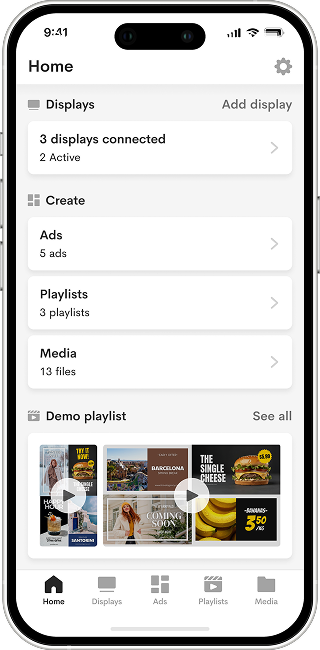
Con AdCast Player, puedes convertir cualquier TV o pantalla en señalización digital profesional en solo unos minutos. Descarga la app, conecta tu pantalla con un código QR y gestiona todo directamente desde tu móvil.


Prueba gratuita de 30 días. Sin tarjeta necesaria. Acceso completo a todas las funciones.
AdCast vs NoviSign — Overview
If you are comparing AdCast vs NoviSign, you are likely deciding between a simple, mobile-first digital signage tool and a more traditional cloud CMS with templates, widgets, playlists, and reporting. NoviSign is a long-running platform with strong template and widget features. AdCast is built for small businesses that want screens live fast, without a complex CMS or special hardware.
Descargar AdCast
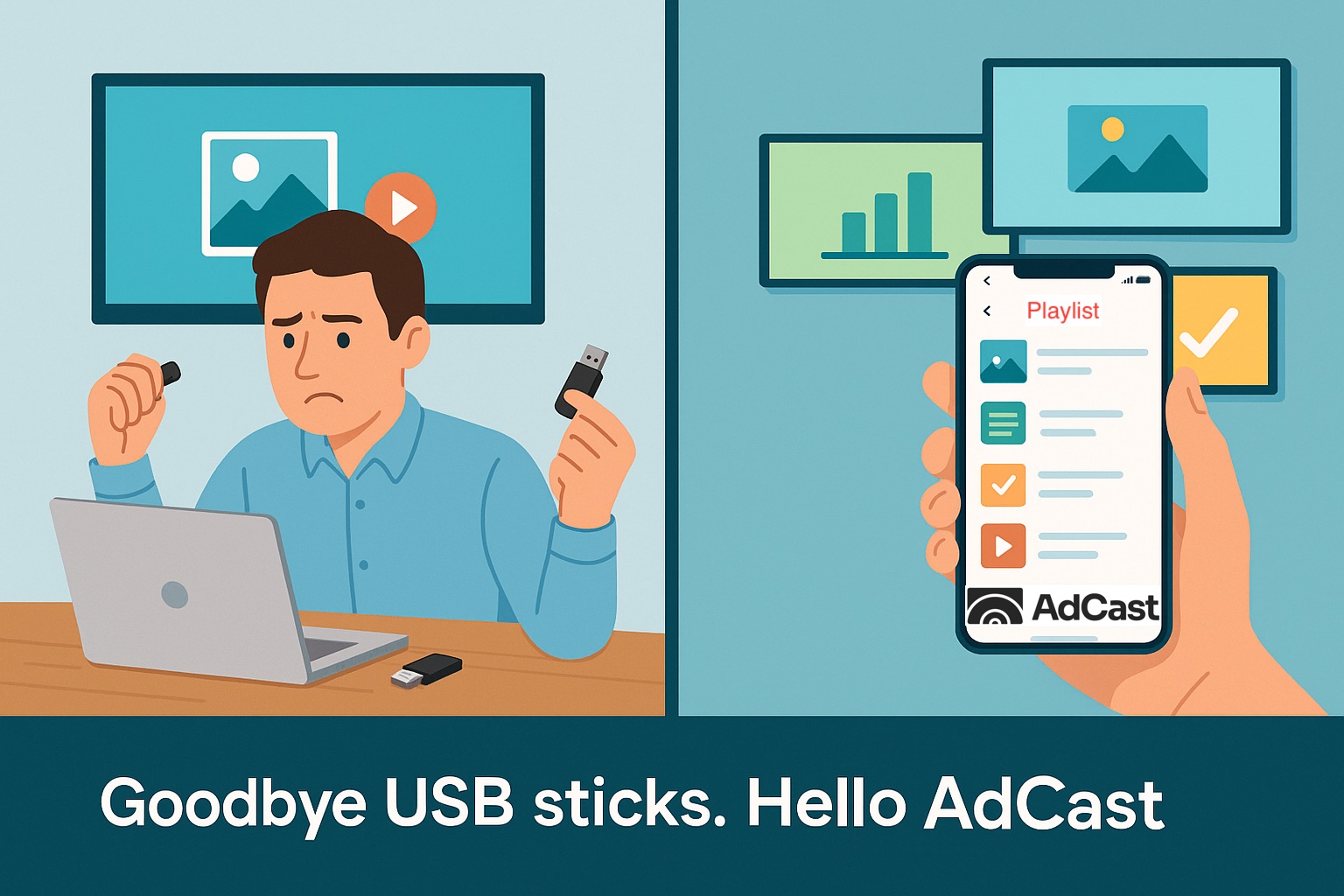
AdCast da a los propietarios de negocios control total sobre sus pantallas. Crea contenido, construye listas de reproducción y actualiza pantallas — todo desde tu móvil. Sin PC. Sin USB. Sin curva de aprendizaje.
Empieza con una prueba gratuita de 30 días. Sin tarjeta necesaria.
Price Comparison
AdCast starts at $12.99 per display per month, with no annual commitment required. Additional displays cost $9.99/month each, which keeps the cost predictable for small deployments.
NoviSign publicly describes its cloud digital signage service as starting from $20 per month, with pricing based on the number of players you use. NoviSign also promotes a free 30-day trial for new users.
For one to five screens, AdCast is usually the more affordable option. NoviSign can make sense when you want a fuller CMS, template library, drag-and-drop widgets, reports, and a more traditional desktop workflow.
Hardware and Setup
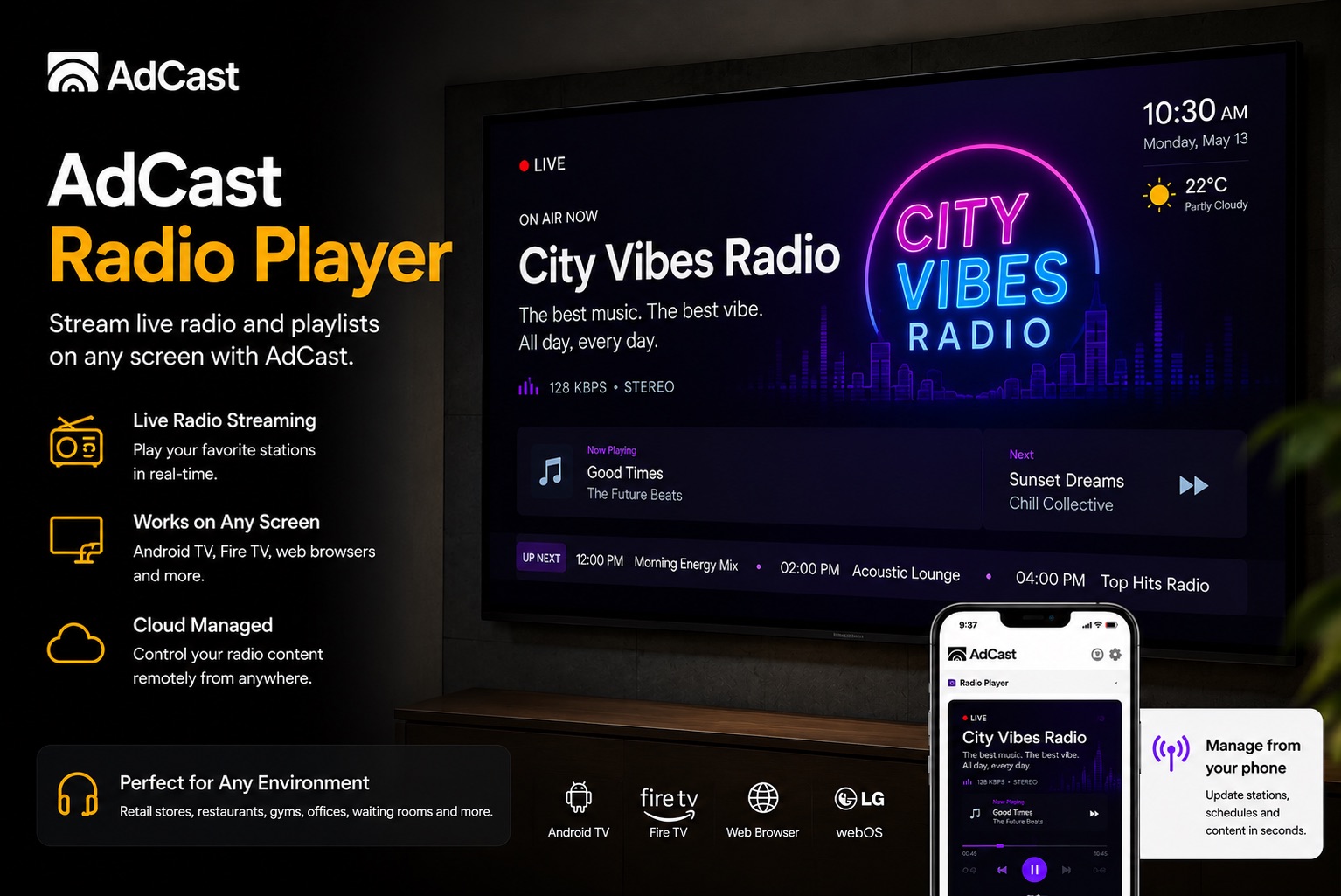
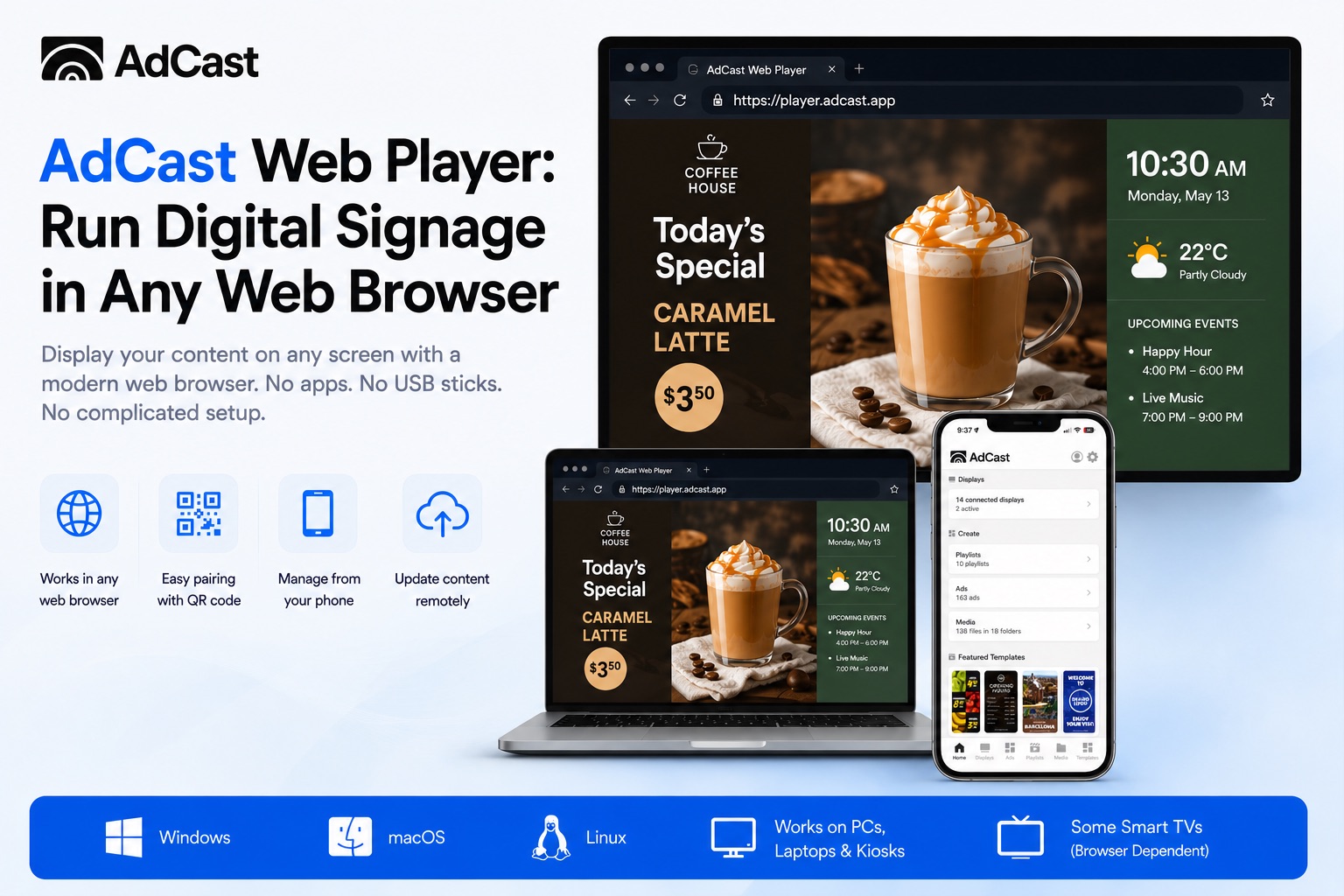
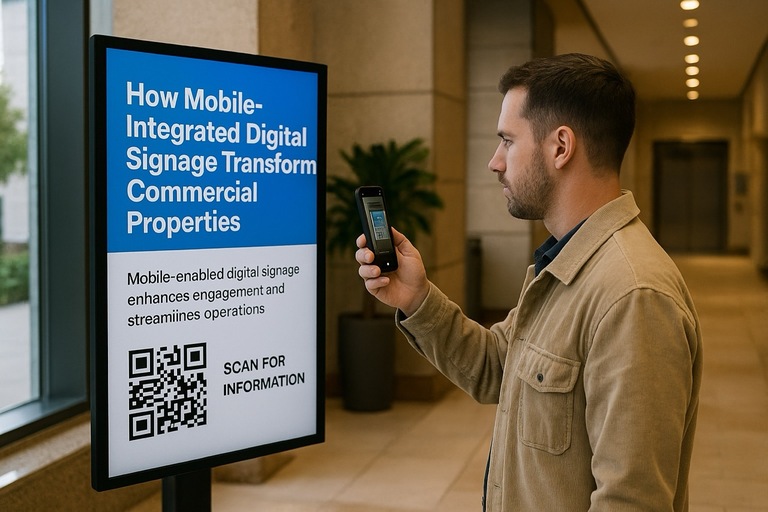
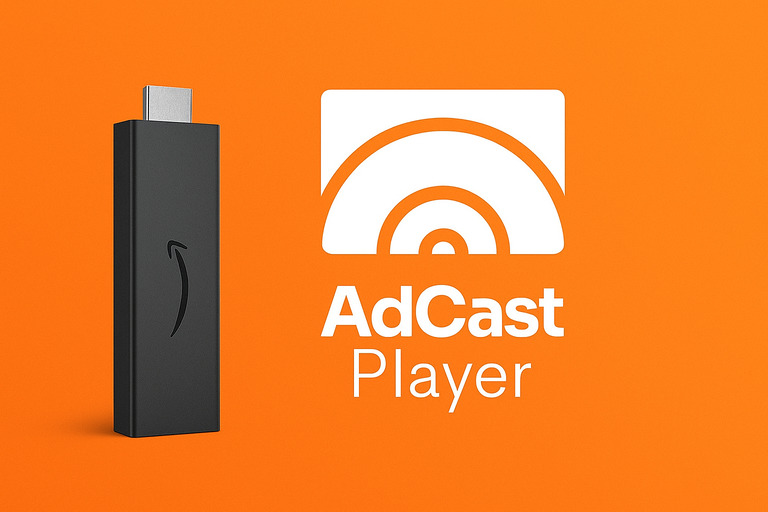
AdCast runs on common Android TV and Amazon Fire TV devices. Install AdCast Player, scan a QR code, and publish from your phone. It is designed so a cafe owner, salon manager, gym operator, or shop owner can launch digital signage without an IT team.
NoviSign is cloud-based and hardware-agnostic, supporting many players, smart displays, tablets, kiosks, and screens. That flexibility is useful for larger or more varied deployments, but it also means you may spend more time choosing and configuring the right playback device.
Ease of Use
AdCast is phone-first. You upload videos and images, build playlists, schedule content, and update screens from the same mobile workflow. That is useful for owners who make quick menu, offer, or schedule changes throughout the day.
NoviSign focuses on a web-based studio with drag-and-drop widgets, templates, playlists, and screen management. It is approachable, but it is closer to a full signage CMS than a lightweight mobile publishing tool.
Content Management
AdCast is a strong fit for digital menu boards, promotional slides, salon price lists, gym schedules, waiting room updates, and simple screen networks that need regular visual updates.
NoviSign is stronger when you need a template-heavy workflow, drag-and-drop widgets, RSS, weather, social feeds, reports, and more layered screen layouts. It is a good fit for organizations that want to design richer digital bulletin boards or more complex information screens.
Setup Time
With AdCast, most users can get a display live in 2-5 minutes: install the player, pair the screen with a QR code, upload content, and publish. No special training is required.
With NoviSign, setup is still cloud-based, but the workflow usually involves creating layouts in the web studio, building playlists, assigning screens, and configuring players. That gives you more creative control, but it can feel heavier for a single-screen business.
Who Should Choose AdCast?
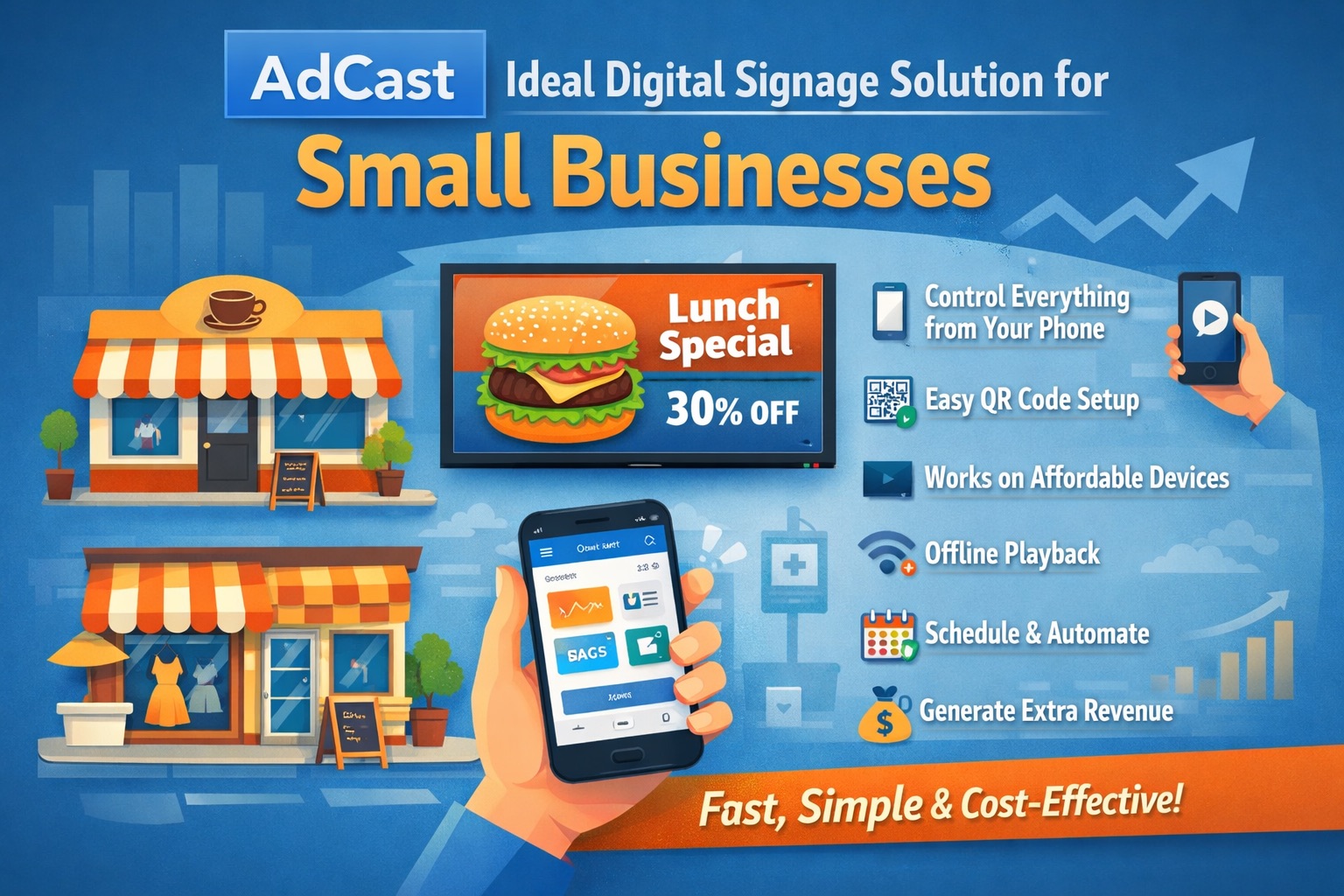
Choose AdCast if you run a restaurant or cafe, salon, gym, clinic, retail shop, or local service business and want affordable signage that is easy to control from your phone.
Who Should Choose NoviSign?
Choose NoviSign if you need a browser-based signage studio with templates, widgets, reports, and more advanced layout control. It is a better fit for larger organizations, healthcare facilities, education, corporate communications, and lobby signage where richer screen designs matter.
AdCast vs NoviSign — Key Differences
- Ease of use: AdCast is mobile-first and lightweight; NoviSign is a fuller web CMS.
- Pricing: AdCast starts lower for small deployments; NoviSign publicly starts from around $20/month.
- Content creation: AdCast focuses on fast publishing; NoviSign offers more templates, widgets, and layout tools.
- Best fit: AdCast fits small businesses; NoviSign fits teams that want a more traditional digital signage studio.
Summary
| Feature | AdCast | NoviSign |
|---|---|---|
| Starting price | $12.99/display/month | From about $20/month |
| Hardware | Android TV / Fire TV | Many players and screen types |
| Control from phone | Yes — mobile-first | Mostly web studio |
| Setup time | 2-5 minutes | More CMS configuration |
| Content workflow | Fast uploads, playlists, simple schedules | Templates, widgets, layouts, reports |
| Best for | Small businesses (1-5 screens) | Organizations needing richer CMS tools |
Preguntas frecuentes
Empieza con señalización digital en menos de 3 minutos
Con AdCast Player, puedes convertir cualquier TV o pantalla en señalización digital profesional en solo unos minutos. Descarga la app, conecta tu pantalla con un código QR y gestiona todo directamente desde tu móvil.
Sin CMS complicado. Sin Raspberry Pi. Sin hardware caro ni soporte de IT. AdCast está creado para pequeñas empresas que quieren señalización digital simple, asequible y moderna sin la complejidad habitual.
Sube videos e imágenes, crea listas de reproducción, programa contenido y actualiza pantallas de forma remota desde cualquier lugar - todo desde una plataforma fácil de usar para restaurantes, cafeterías, gimnasios, salones, tiendas, oficinas y más.
- Instalación en menos de 3 minutos
- Gestiona pantallas directamente desde tu móvil
- Funciona con dispositivos Android TV y Fire TV
- Sin contratos ni hardware especial
Ponte en contacto
¿Tienes preguntas o quieres saber más?